1.4 Identifying and Correcting Errors
Notes on 1.4
Daily Video 1
Learning Objectives:
- For errors in an algorithm or program, identify the error
- Errors are part of the programming progress
- Identify one of four errors:
-
Logic error
- Mistake in the algorithm or program that causes it to behave incorrectly or unexpectedly
-
Syntax error
- Mistake in the program where the rules of the programming language are not followed
- Causes the program to fail to run/compile
- Common examples of this are forgetting to include: colon/semicolon, parenthesis, curly brackets, indentation, quotes, variable definition
-
Run-time error
- Mistake in the program that occurs during the execution of a program
- Programming languages define their own runtime errors
- AKA “bug”
- The key to identifying a run-time error is that the program runs/compiles initially, but fails and cannot complete its processes
- A run-time error may result from: dividing by zero, inappropriately entered data type, many other advanced possibilities
-
Overflow error
- Error that occurs when a computer attempts to handle a number that is outside of the defined range of values
- Due to memory allocation constraints that programming languages require, certain values are too big to calculate and/or display
-
Logic error
Daily Video 2
Learning Objectives:
- For errors in an algorithm or program, correct the error
- Ways to find and correct errors:
- test cases
- hand tracing
- visualizations
- debuggers
- adding extra output statement
- The easiest error to correct is usually the syntax error
- Most integrated development environments (IDEs) display information when there is a syntax error
- This information usually directs the programmer to the line in the program where the error has occurred
- Sometimes the user needs to do a little digging to find the error
- More difficult to find and correct are logic errors
- A logic error is not always immediately noticed
- Using multiple test cases is the first strategy programmers use to find logic errors
- Hand-tracing is most useful with iteration (loops)
- Hand tracing is simply writing out the values of the variables within the loop as it iterates to determine if the outcome is correct
- Hand tracing can be useful for small code segments and loops that iterate a small number of times
- Larger code segments or loops might require a debugging program
- Another strategy is adding extra output statements
- A programmer would use this strategy to help find and fix an error
- Once the error is corrected, the extra output statements are usually removed
- This has a similar effect as hand tracing, but allows the computer to do more of the work
- If those strategies fail
- Some IDEs allow programmers to use visualizations and/or debuggers
- Visualiztions show graphs, images, color etc. that help determine if a program is working correctly
- Debuggers use software designed to run a program, allowing it to be paused and tested iin the midst of running to determine if it is working properly
- Some IDEs allow programmers to use visualizations and/or debuggers
Daily Video 3
Learning Objectives:
- Identify inputs and corresponding expected outputs or behaviors that can be used to check the correctness of an algorithm or program
- Start thinking about testing at the onset of development
- In the development process, testing uses defined inputs to ensure that an algorithm or program is producing the expected outcomes
- Specifications influence testing
- Specifications list behaviors, events, corresponding responses/outputs the program supports
- Programmers need to define inputs that will determine whether or not the program specifications are met
- Testing program development
- Once the inputs and corresponding outputs are determined, programmers test
- After testing, programmers use the results the revise, refine, and improve their programs.
- And then they test them again and again.
- After the programmers test, then users test, and then the programmers refine even more
- And finally, the program is released
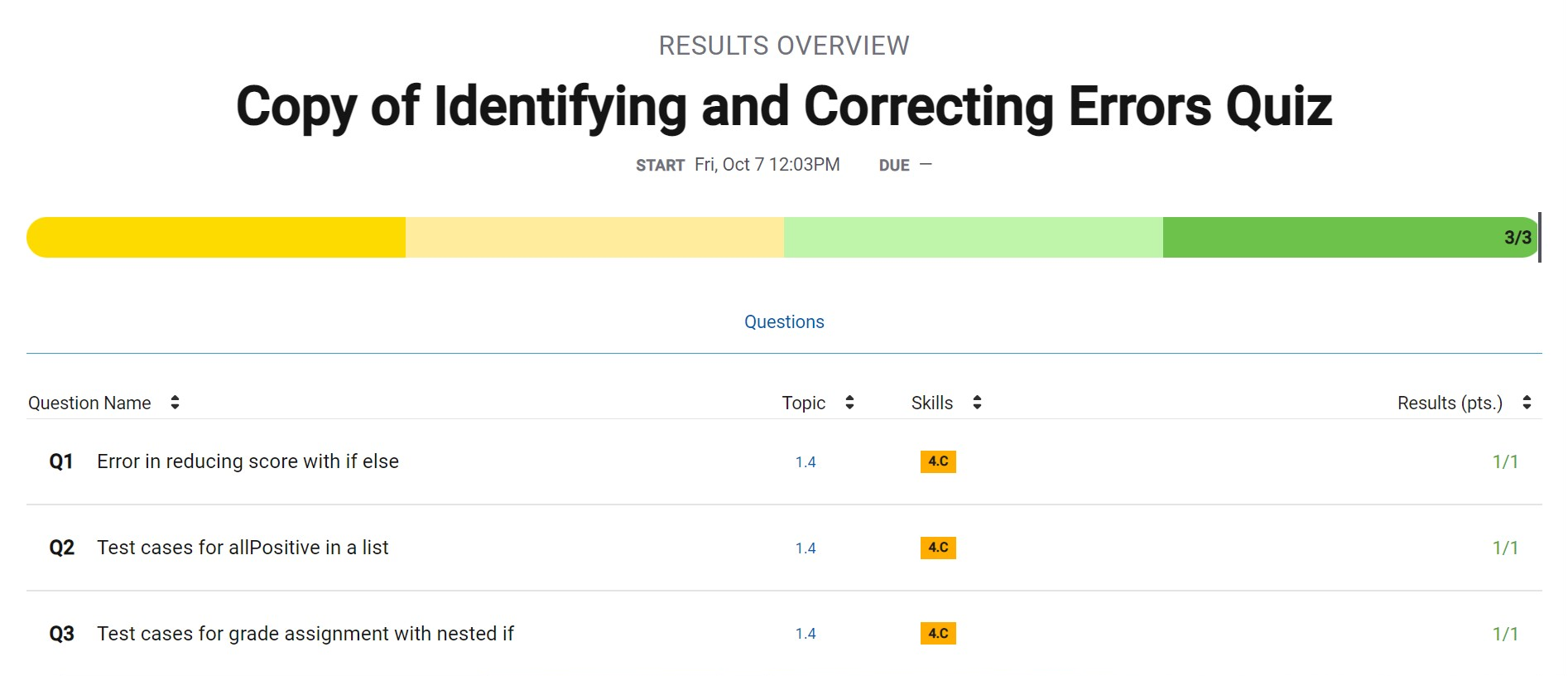
Identifying and Correcting Errors Quiz
Challenge
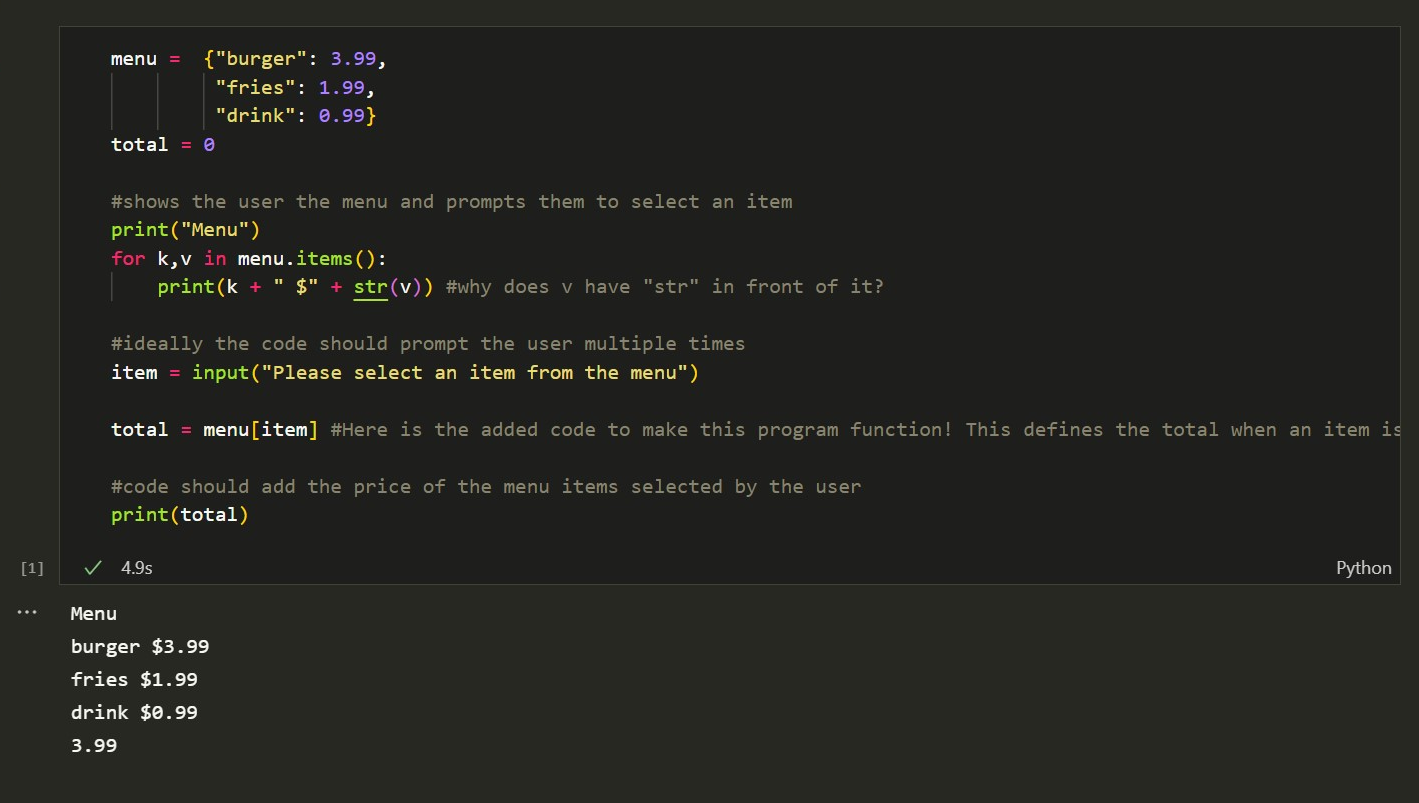
Hacks
- What errors may arise in your project?
- There are some guaranteed some coding issues, as most members of our group are completely new to coding and programming. This means there will probably a lot of logic and syntax errors.
- What are some test cases that can be used?
- I plan to use as many test cases as I can to make the project run as smoothly as possible. This includes using functionability, performance, database test cases, etc.